Most people end up on a Sodium extra Modrinth page at some point, because that is where the project's release builds are published alongside its other listings. The page is straightforward once you know which three fields matter — and most download failures come from ignoring one of them.
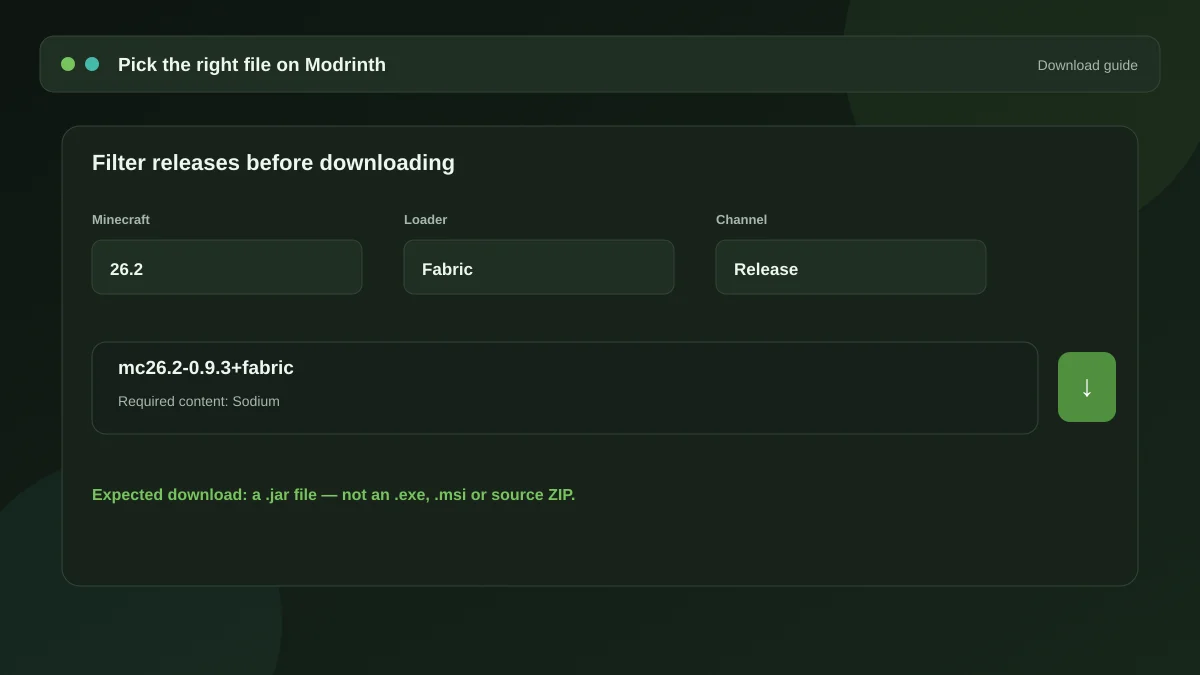
The three filters that matter
Minecraft version
The most important field, and the one people skip. A listing usually holds dozens of files spanning several years of releases. Set the version filter to the exact version you play before you look at anything else. The newest file at the top of the list is for the newest Minecraft, which may not be yours.
Mod loader
Filter to Fabric unless you have specifically confirmed a NeoForge build exists for your version. Loader tags are shown on each file. A file tagged for a loader you are not running will simply be ignored by the game.
Release channel
Files are marked as release, beta or alpha. Unless you are testing on purpose, take the release build. Beta and alpha files exist for people who want early support for a new Minecraft version and are willing to accept bugs in exchange.
Checking that a listing is genuine
Impersonation is common in the Minecraft mod space, so it is worth a few seconds of verification:
- Check the author name matches the project's known developer.
- Look at the download count and the age of the listing — a brand new page with a handful of downloads claiming to be a major mod is a warning sign.
- Follow the source link. Legitimate open-source mods link to their public repository.
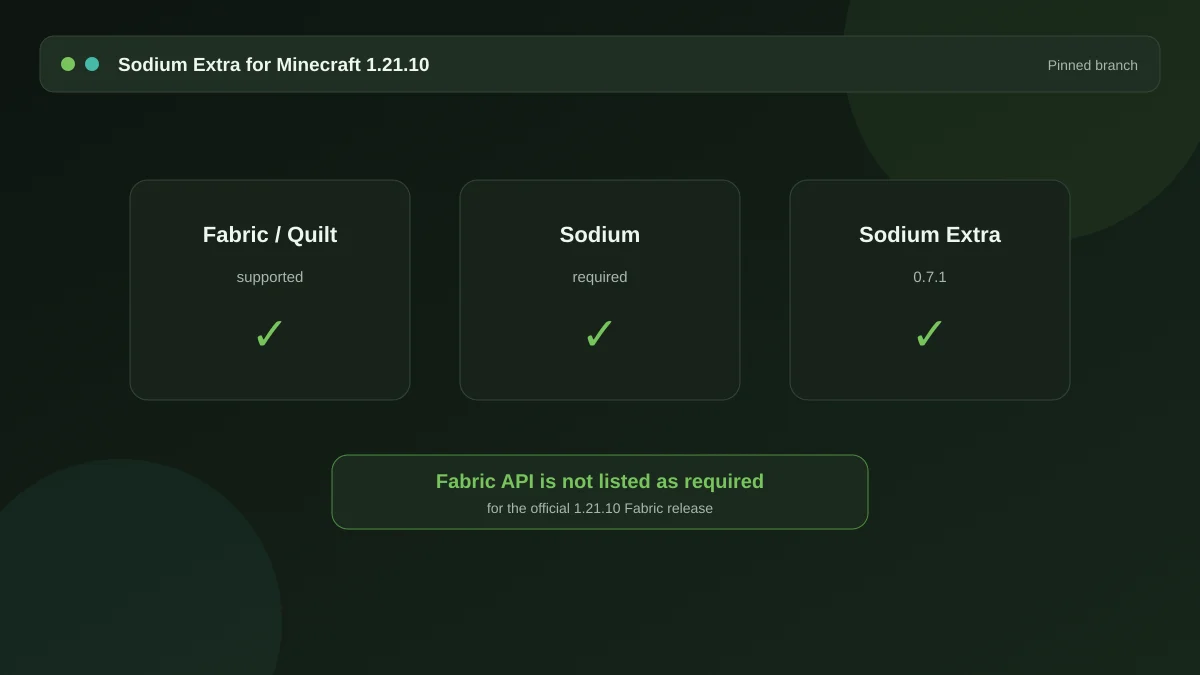
- Read the dependency list. It should name Sodium and Fabric API, because the mod genuinely requires both.
What the file should look like
A Minecraft mod is a .jar file. If a download hands you an .exe, an .msi, an installer, or asks you to run a "download manager", stop. There is no situation in which this mod arrives as an executable.
Source archives are the one legitimate exception to the .jar rule — a ZIP of the source code from the project's repository is exactly that, source code, not a drop-in mod file. It is useful if you want to read or build the code yourself. If you just want to play, take the compiled release.
After downloading
Put the file straight into your mods folder without unpacking it, alongside a matching Sodium build. If you are not sure where that folder is, the Fabric installation guide lists the path for each operating system.
If the mod does not appear in game
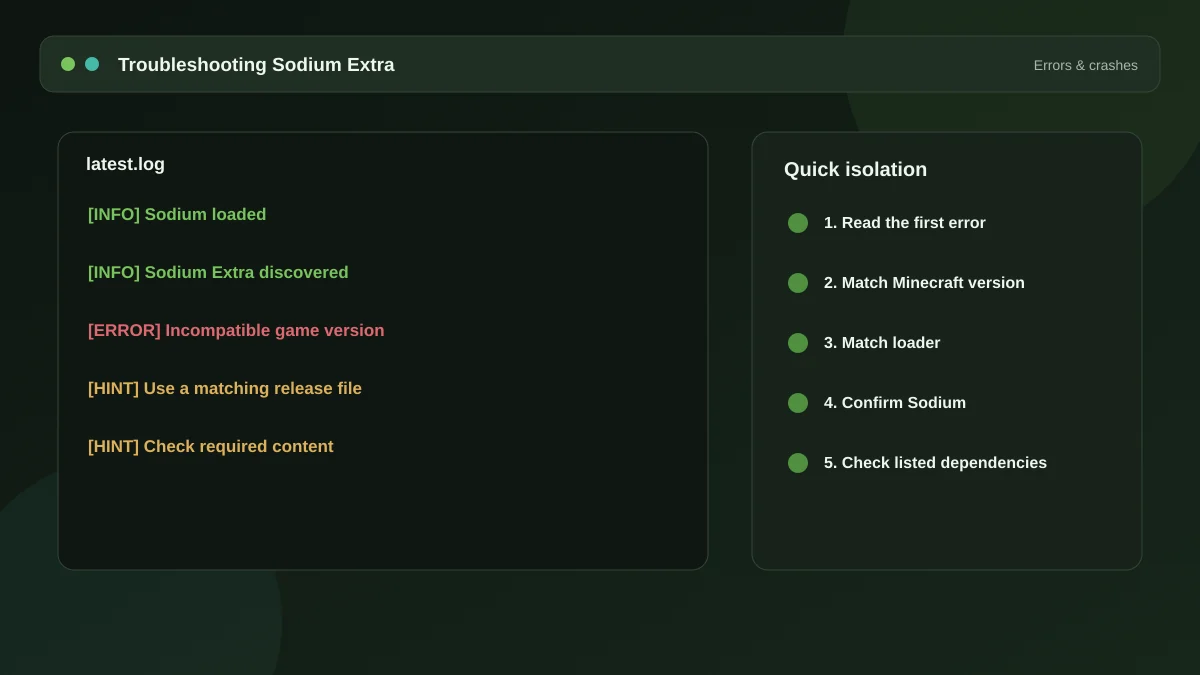
Nine times out of ten, the version filter was wrong. Compare the file name against your Minecraft version — most mod files include the target version in the name. Our error guide covers what to do when the file is right and the mod still does not load.
Get the mod
The package and the full dependency list live on the homepage, along with the ten-minute setup walkthrough.
Download Now