Sodium addon for Minecraft: Java Edition

Sodium Extra Mod

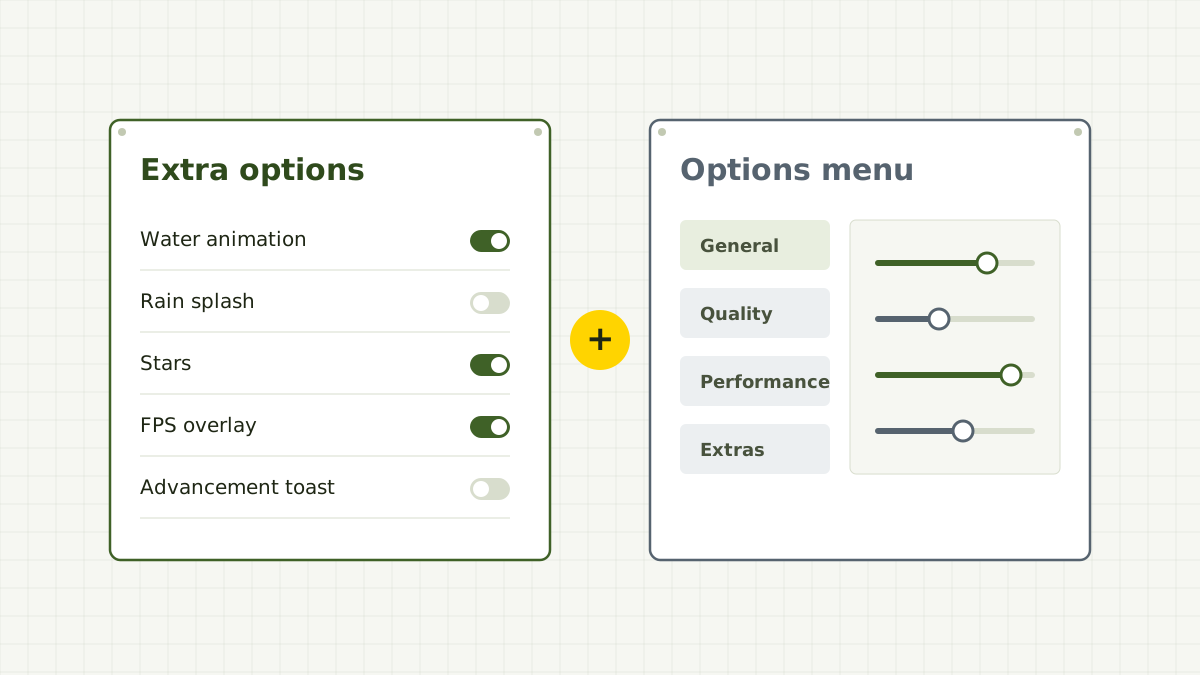
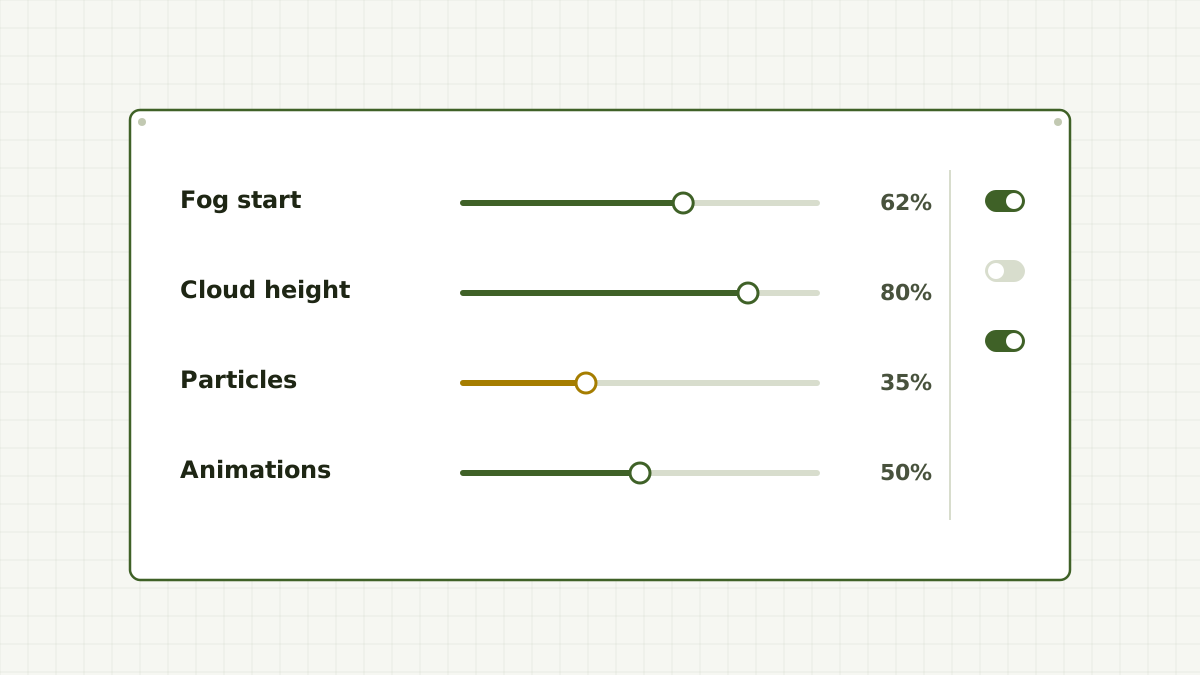
Sodium makes Minecraft render faster and keeps its menu short on purpose. Sodium Extra bolts on the settings it leaves out: per-animation and particle switches, sky and fog details, cloud height, toast controls and an FPS overlay.

Loaders
Fabric, NeoForge, Quilt
Runs on
Client only
Edition
Java
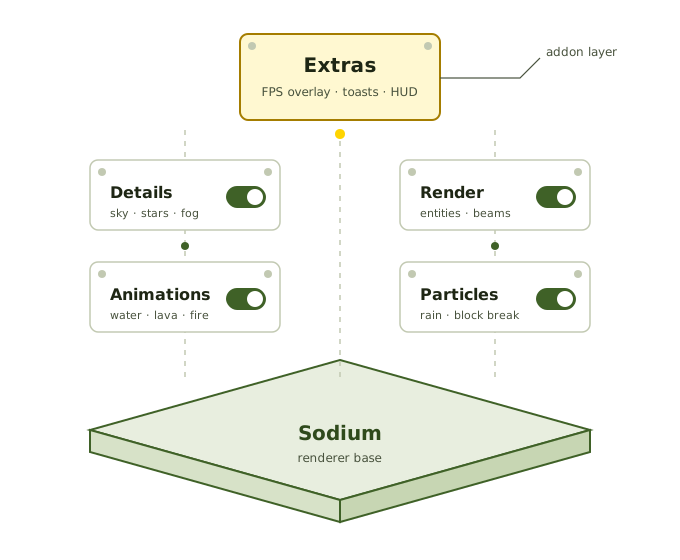
Exploded diagram of Sodium Extra option modules, Animations, Particles, Details, Render and Extras, mounted on the Sodium renderer base

What it is

What is Sodium Extra?

Sodium Extra is an addon for Sodium, the rendering optimisation mod for Minecraft: Java Edition. It is developed by FlashyReese and published as open source. Its own description sums up the idea well: it adds features that do not belong in Sodium itself.

Sodium's developers keep the core mod focused on speed and compatibility, which means a short options list. Sodium Extra sits on top and gives you fine control over visual details, from individual texture animations to the height of the clouds. It changes only your client, so it does not need to be installed on servers.

How the layers fit

  • Minecraft: Java EditionThe base game, with a mod loader installed
  • SodiumRequired rendering engine and settings screen
  • Sodium ExtraAdds extra option pages to that screen
  • Optional add-onsSuch as Reese's Sodium Options for a different menu layout
Developer
FlashyReese
Type
Sodium addon
Source
Public on GitHub
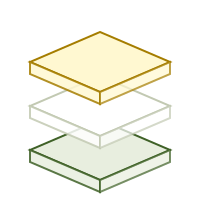
Three stacked layers representing Minecraft, Sodium and Sodium Extra

Option pages

What Sodium Extra adds to your video settings

Options are grouped into pages next to Sodium's own. Exact names and the full list vary by version; these are the areas the mod covers.

Extras page

The page most players open first. It collects quality-of-life controls that change how the game feels rather than how fast it runs.

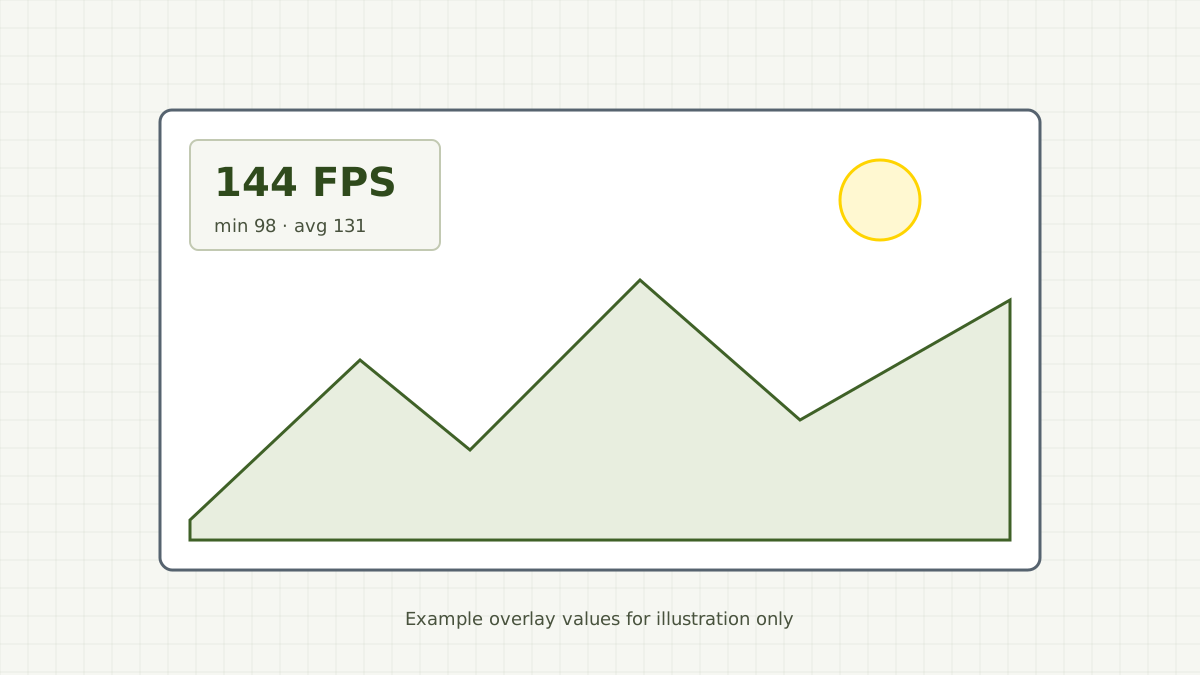
  • FPS overlay in a chosen corner
  • Cloud height adjustment
  • Advancement and recipe toast switches
  • Extended frame statistics

Available options differ between game versions.
Animations

Switch individual texture animations such as water, lava, fire and portals on or off.

Particles

Turn off all particles, or only selected types like rain splashes and block-breaking fragments.

Details

Show or hide sky elements such as stars, the sun and moon, plus weather and some color details.

Render

Fog controls, plus switches for some entity and block entity visuals that can crowd a busy base.

Fewer interruptions while you play or record

Pop-up toasts for advancements, recipes and tutorials can be silenced individually, and the FPS overlay replaces the full F3 screen when you only need a frame counter.

Saved with the rest of your configuration

Settings are written to a file in the game's config folder, so they survive restarts and can be backed up or copied to another instance.

Assembly line

How it works, from file to first launch

Four stations. Each one depends on the last, and version matching at the first station prevents almost every problem later.

  1. Download

    Get Sodium and Sodium Extra builds for the same Minecraft version and loader.

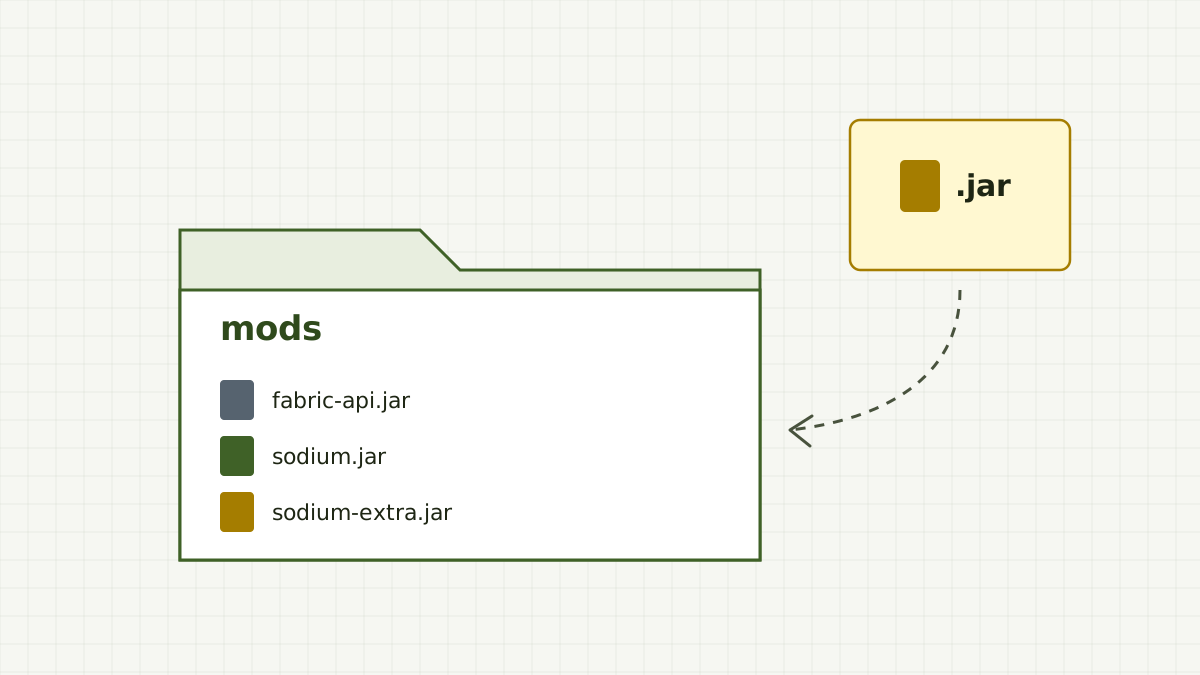
    Compiled .jar files are what the game loads.
  2. Install

    Place both jars, plus any listed dependencies, in your instance's mods folder.

    Remove older copies first.
  3. Configure

    Open Options, then Video Settings, and work through the new pages.

    Change one option at a time.
  4. Launch

    Play with your settings applied. They are saved for every session after.

    Back up the config folder before updating.

Setup procedure

Installing Sodium Extra

  1. Install your mod loader

    Run the Fabric or NeoForge installer for the Minecraft version you want, then launch that profile once without mods to confirm it works.

  2. Pick matching builds

    Choose a Sodium build and a Sodium Extra build that list the same game version and loader. The Sodium Extra release states which Sodium versions it supports.

  3. Copy the jars into the mods folder

    On Windows that is %appdata%\.minecraft\mods. Third-party launchers keep a separate mods folder per instance.

  4. Launch and check Video Settings

    Open Options, then Video Settings. If the extra pages appear, the mod loaded. If not, check logs/latest.log.

Need more detail? Follow the full Fabric installation guide or the NeoForge notes.

Fit check

Compatibility

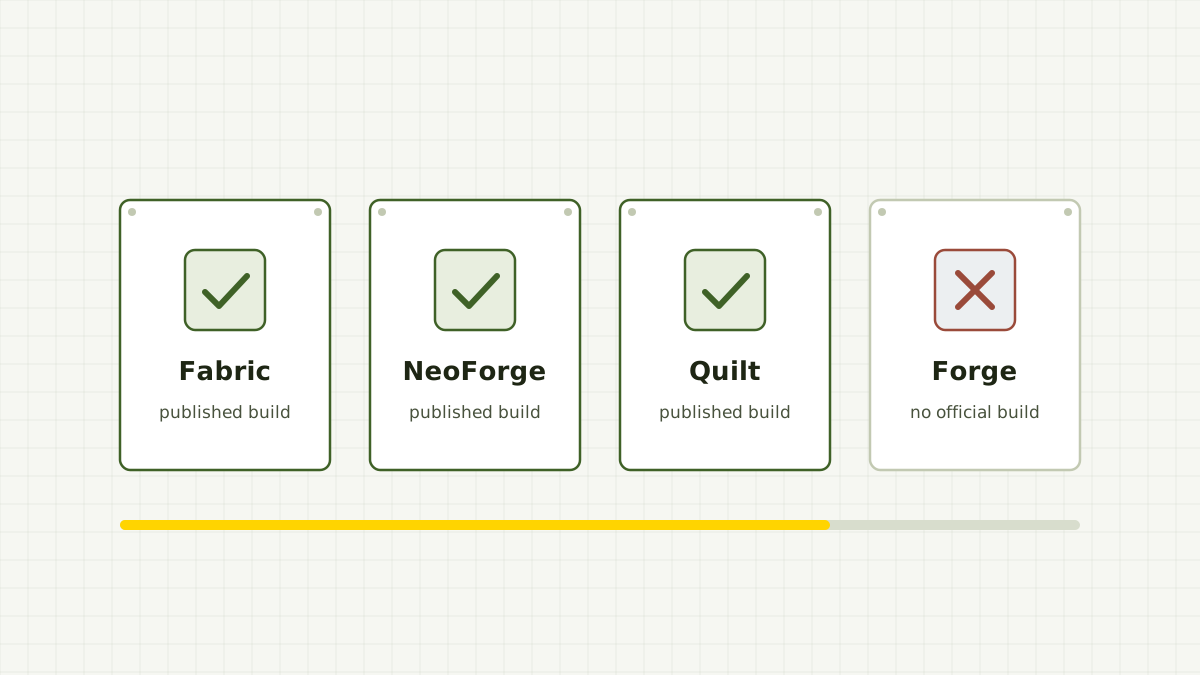
Sodium Extra runs wherever a matching Sodium build runs, on the loaders the developer publishes for. Editions without Java mod loaders cannot use it.

Game version support changes with every release, so the matrix shows loaders and editions rather than a version list that would go out of date. Check the release page for exact Minecraft versions.

Download Now
Platform Status Notes
Fabric Published builds Most common setup. Usually paired with Fabric API.
NeoForge Published builds Separate jar from the Fabric build.
Quilt Listed Listed as a supported loader.
Forge (legacy) No official build Not listed by the developer.
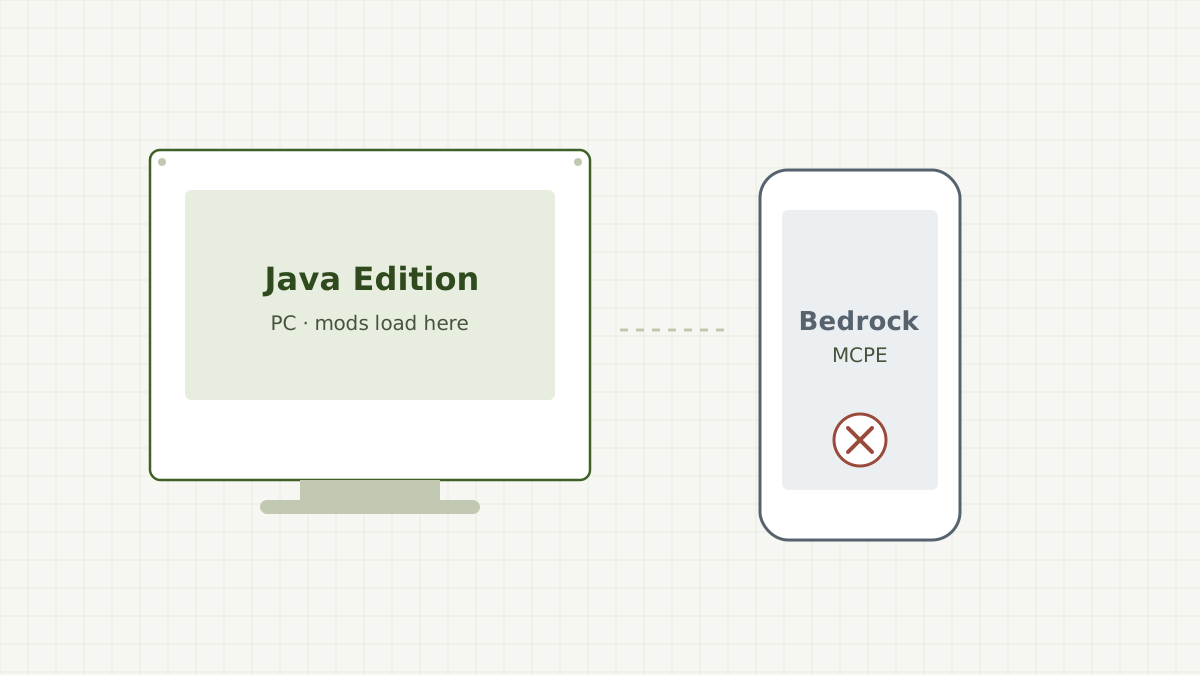
Bedrock / MCPE Not supported Different game engine; Java mods cannot load.
Game version Match exactly Builds target a specific Minecraft and Sodium version.

Loader information reflects the project's Modrinth listing. Read the version matching guide before choosing a build.

Release information

The release behind our download

mc26.2-0.9.3

The download on this page points to the GitHub release tag above. Sodium Extra tags combine the target Minecraft version with the mod version, so this tag reads as Minecraft 26.2 and Sodium Extra 0.9.3.

For release notes and the full list of changes, read the release entry in the project's repository.

Mod version
0.9.3
Target game
Minecraft 26.2
Archive type
Source code (.zip)
Repository
FlashyReese/sodium-extra
Playable as-is
No, build or use the compiled jar

Who uses it

Use cases

  • Low-end laptops

    Combine Sodium's performance work with fewer particles and animations to steady the frame rate during rain, explosions and busy farms.

  • Builders and screenshot takers

    Raise the clouds above a skyline, soften fog to see the whole build, and hide sky elements for cleaner shots.

  • Video creators

    Silence toast pop-ups during recording and keep a small FPS counter in a corner you plan to crop.

  • Modpack makers

    Ship a pack with sensible visual defaults by including Sodium Extra and a prepared config file.

  • Players tuning their setup

    Use the overlay to measure each change on your own hardware instead of relying on generic "best settings" lists.

Download

Download Sodium Extra Mod

Source-code archive of the mc26.2-0.9.3 release from the sodium-extra repository on GitHub, for Minecraft 26.2.

  • Minecraft: Java Edition
  • Fabric, NeoForge, Quilt
  • Client side
  • Requires Sodium
Download Sodium Extra Mod

This archive contains the mod's source files for building with Gradle. It is not a drop-in jar. To play right away, use the compiled jar for your loader from the project's release files, and see our safe download guide.

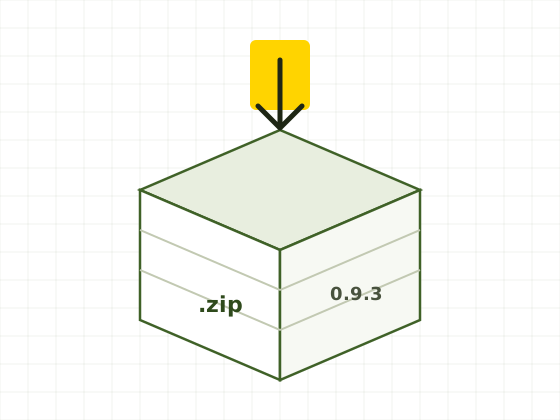
Package illustration representing the Sodium Extra 0.9.3 zip archive

Diagnostics

Troubleshooting

Start at the top. Most problems are solved by the first two rows. The crash fixes guide goes deeper.

Game crashes on startup

Check that Sodium and Sodium Extra list your exact Minecraft version, and that the Sodium Extra release supports your Sodium version.

Log says a required mod is missing

Install the dependency the release lists. On Fabric this is commonly Fabric API.

Crash when opening Video Settings

Another Sodium addon or options-menu mod likely targets a different Sodium version. Remove addons and add them back one by one.

Extra options pages do not appear

Make sure you installed the compiled .jar, not the source zip, and that you launched the modded profile.

Strange behaviour after updating

Close the game, move Sodium Extra's options file out of the config folder and relaunch to regenerate defaults.

Pros and cons

Strengths

  • Fine-grained control over animations, particles and sky details
  • Client-side only, so it works on most servers without setup
  • Builds for Fabric, NeoForge and Quilt
  • Open source with a public repository
  • Built-in FPS overlay for measuring changes

Limitations

  • Needs Sodium, and both must match your game version
  • No official build for legacy Forge
  • Not available for Bedrock, MCPE or consoles
  • Some options change the look of the game, not just speed
  • Updates can lag behind brand-new Minecraft releases

Workshop manual

Frequently asked questions

Twenty answers in two groups. Switch groups with the tabs; arrow keys work too.

Setup & compatibility

Installing, versions, loaders and editions. Open a question to see its answer; only one stays open at a time.

Sodium Extra is a client-side addon for the Sodium rendering mod on Minecraft: Java Edition, made by FlashyReese. It adds extra video options that Sodium does not include, such as animation and particle toggles, sky and fog details and an FPS overlay.

Yes. Sodium Extra is built on top of Sodium and will not load without it. Install a Sodium build for the same Minecraft version and loader, and check that the Sodium Extra release supports that Sodium version.

The project's Modrinth listing names Fabric, NeoForge and Quilt. Each loader uses its own jar files, and not every Minecraft version has a build for every loader, so filter by both before downloading.

There is no official build for the original Forge loader. NeoForge, the separate loader that split from Forge, does have published builds. Community ports for Forge exist as separate projects and are not Sodium Extra.

No. Sodium Extra is a Java Edition mod that loads through Java mod loaders. Bedrock Edition, Pocket Edition, consoles and phones cannot run it. Files claiming to be Sodium Extra for MCPE are not from the developer.

Builds have been published for older versions, including the 1.20 line. Filter the version list by 1.20.1 and your loader, then pair it with the Sodium build that release expects. Older builds no longer receive updates.

Choose a build that lists 1.21.10 exactly. The 1.21 line had many point releases, and a build for one point release is not guaranteed to work on another. Match the Sodium version listed on that release too.

No. The link points to the source-code archive of the mc26.2-0.9.3 release tag on GitHub. It contains the project's source files, not a compiled jar. To play, use the compiled jar for your loader, or build the mod from the source yourself.

No. It is a client-side mod that only changes how your own game renders and what your video settings offer. You can join servers with it installed, though some servers have their own rules about client mods.

No. Reese's Sodium Options is a separate mod by the same developer that offers an alternative options menu layout. Sodium Extra works without it. Always follow the dependency list on the specific release you download.

Settings & gameplay

Options pages, overlays and everyday use. Open a question to see its answer; only one stays open at a time.

Open Options, then Video Settings. Sodium replaces the vanilla screen and Sodium Extra adds its own pages beside Sodium's, typically covering animations, particles, details, render and extras.

Yes. The Extras page includes an FPS overlay that you can place in a screen corner. Depending on the version, you can also show extended frame statistics and a background behind the text.

It can reduce rendering work, and particle settings in particular may help during busy scenes. The size of the effect depends on your hardware, resource packs and other mods, so measure it with the FPS overlay rather than expecting a fixed gain.

Yes. The Extras page includes switches for toast notifications, such as advancement and recipe unlock pop-ups. This is useful when recording or when the pop-ups cover part of the screen.

Yes. Sodium Extra includes a cloud height setting on its Extras page, so you can move clouds above your builds instead of turning them off completely.

The Render page includes fog controls. Builders often use them to see further without raising render distance. Available fog options can differ between versions.

Many players run Sodium Extra together with Sodium-based shader loaders. Compatibility depends on all mods targeting the same Minecraft and Sodium versions, so check each release before combining them.

Your choices are saved to a configuration file in the game's config folder when you apply them. Back up that folder before updating if you want to keep your setup.

Close the game, move Sodium Extra's options file out of the config folder and start the game again. The mod creates a new file with default values.

The mod is open source and developed in a public GitHub repository. Safety mostly depends on where you get the file: use the developer's own release pages or a moderated host and avoid re-upload sites, installers and Bedrock look-alikes.